Build the logic
Place switching devices, coils, contactors and sources. Wire them into working control circuits.
Relay logic simulator for the electrical trades
Wire motor-control circuits, energize them, take measurements and track down the fault. Runs in your browser on a phone or a computer.
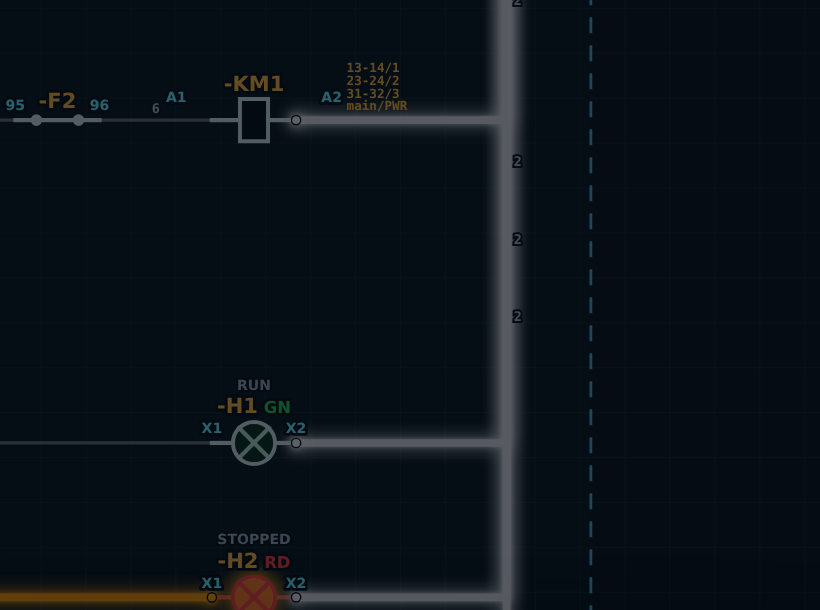
Place switching devices, coils, contactors and sources. Wire them into working control circuits.
Energize the diagram and observe how contacts, actuators and connected loads respond.
Use the built-in measurement and troubleshooting tools to investigate circuit behavior.
Nine fault-finding challenges built around common control-circuit faults. Study the symptom, choose the fault, then read why it happens.
The motor runs while S2 START is held, but stops as soon as START is released.
The motor starts normally, but pressing S1 STOP does not stop it. Only switching off Q1 or FU1 stops it.
Pressing S2 START: KM1 pulls in and seals, H1 RUN is lit, but the motor hums and does not turn. A few seconds later KM1 drops out and H3 TRIPPED lights.